All help articles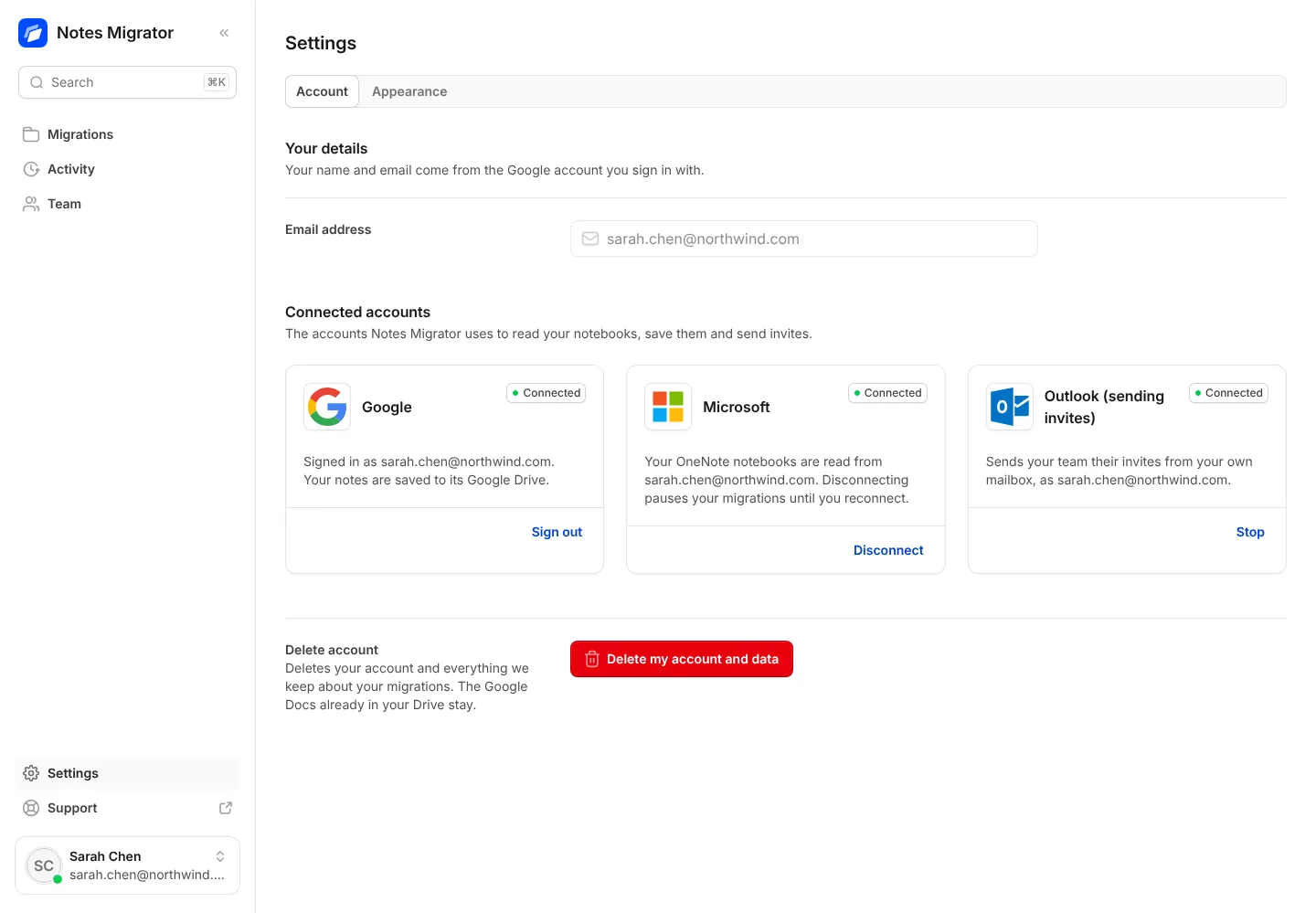
Security and privacy
Remove our access
Disconnect Microsoft, stop Outlook or remove our access at Google, yourself, at any time.
- 1
In the app, open Settings. Under Connected accounts, press Disconnect for Microsoft. If Outlook sends your team’s invites, press Stop for Outlook too.
- 2
At Microsoft, remove the app from the Apps page of your Microsoft account.
- 3
At Google, remove it on the Third-party apps and services page of your Google Account.
- 4
To delete your account and everything we keep about your migrations too, press Delete my account and data in Settings. The Google Docs already in your Drive stay.
Bring your OneNote with you to Google
Sign in with Google, connect OneNote, and see how your notebooks will look before anything moves.